Step 1 of 3
This is your state map
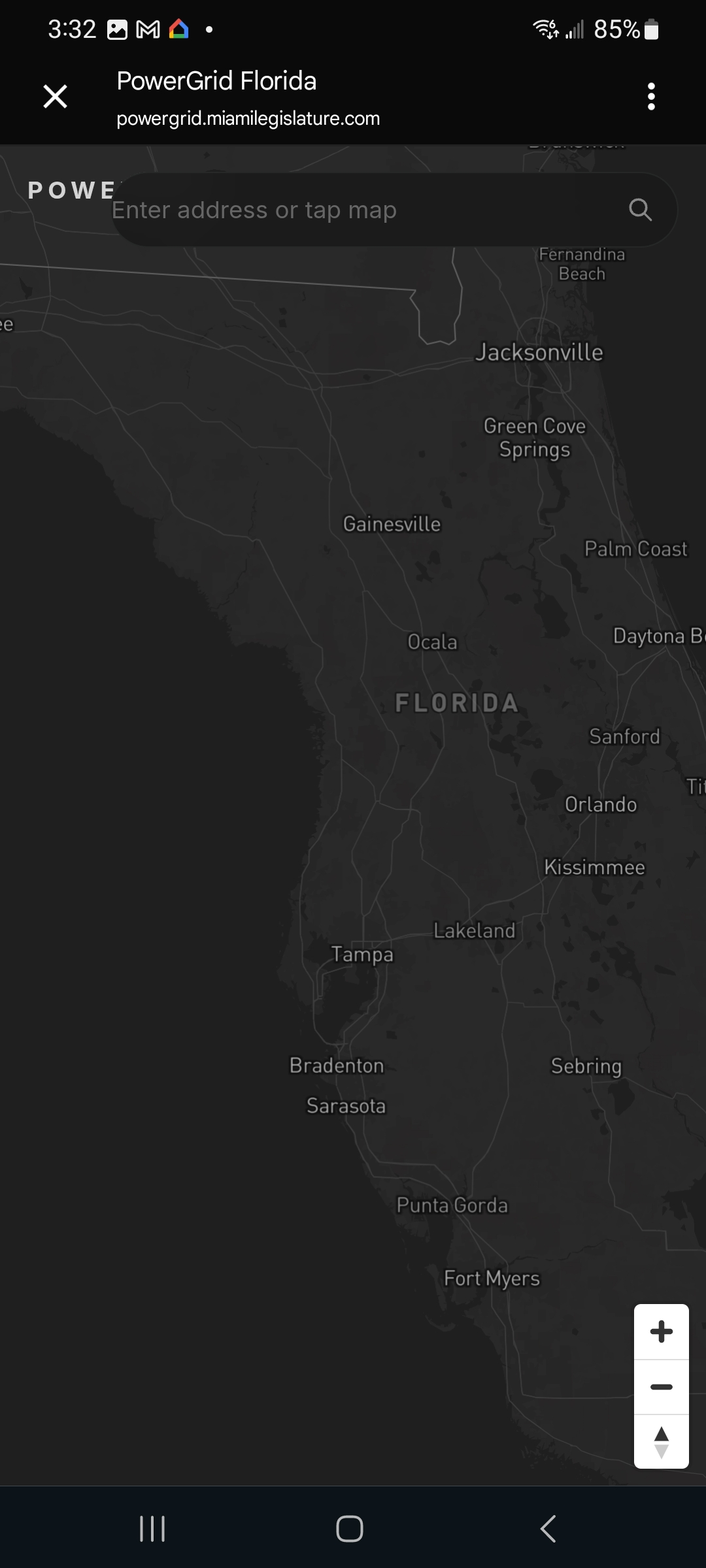
Open PowerGrid from the home screen. The map of your state appears, divided into the districts that make up your government.
Open the state map, tap the area you live in, and PowerGrid pulls up your representative's name and contact info — instantly.
Open PowerGrid from the home screen. The map of your state appears, divided into the districts that make up your government.

Tap the area on the map where you live. PowerGrid highlights it and pulls up the people accountable to that district.

You will now see your area representative's name and contact information. Call, email, or reach them however works for you — you have the receipts.
Three taps and you know exactly who works for the area you live in, and how to reach them.
Next: TruthSentry → All applets