Step 1 of 3
Touch your article of interest
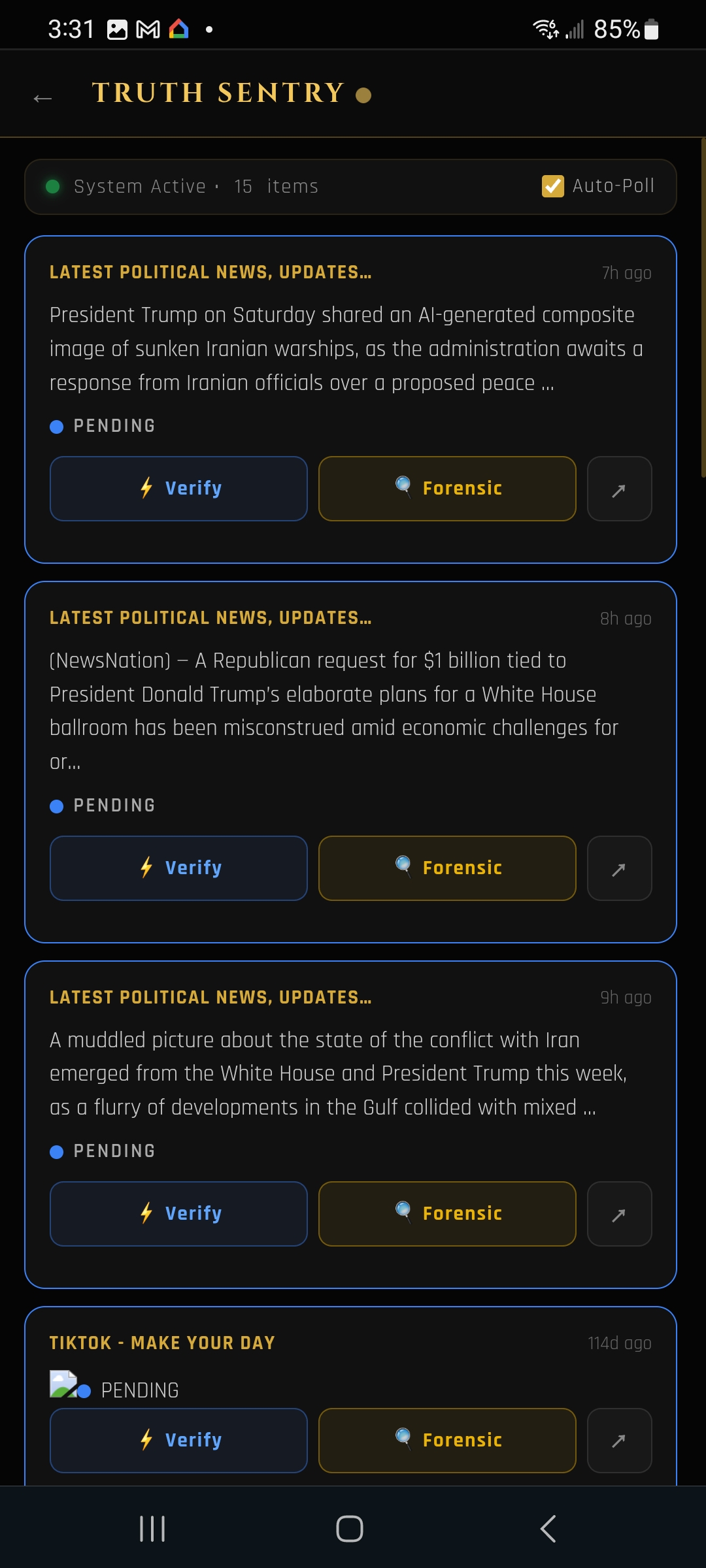
Open TruthSentry. Tap the article you want to verify from the list — anything you've read, seen on social media, or are unsure about.
Tap any article you see online. TruthSentry returns a percent-truth score in seconds, and the Forensic view explains exactly how the score was reached.
Open TruthSentry. Tap the article you want to verify from the list — anything you've read, seen on social media, or are unsure about.

Tap the Verify button. TruthSentry analyzes the article and gives you a clear percent-truth score — no spin, no opinion, just the numbers.

Tap Forensic to see the factors behind the score: sources, claims, contradictions, and how each one was weighed. Understand why, not just what.
You don't need to trust us — TruthSentry shows its work. Use it on any story, before you share, before you decide.
← Back to all applets Home